Welcome
Complete user guide for the BIION-D admin interface — AI-powered visual inspection platform.
Welcome to the BIION-D user guide. It explains the operational workflows available in the Admin Panel, including workspaces, devices, models, pipeline execution and result review.
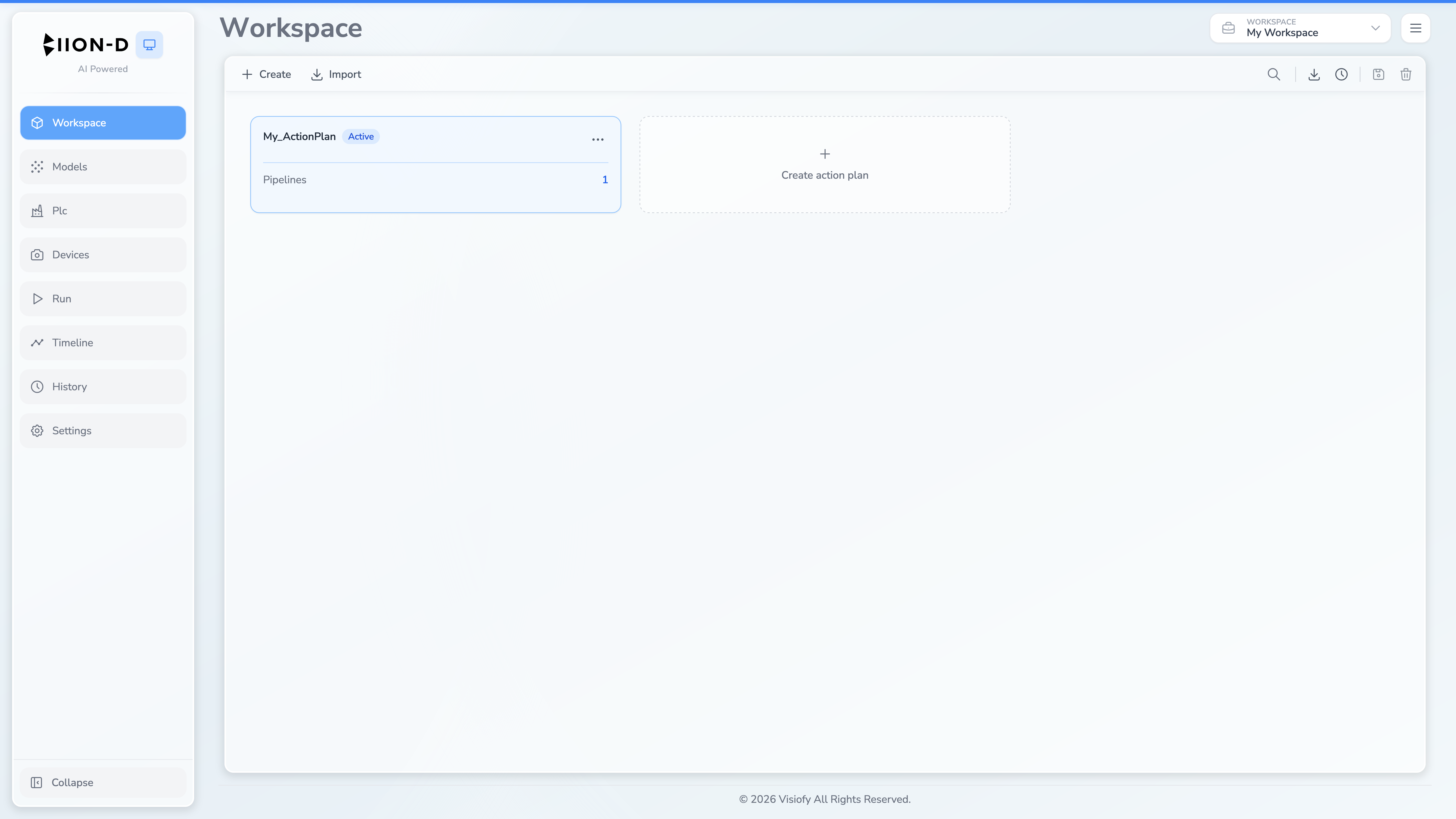
This guide is intended for operators and administrators who use the BIION-D web interface. It focuses on configuration and operation rather than internal backend implementation.
What is BIION-D?
BIION-D is an AI-powered visual inspection platform designed for industrial environments. It allows you to:
- Configure inspection pipelines — build sequences of cameras, lights, inference models and custom scripts.
- Run inspections — execute pipelines in acquisition or inference mode to capture and classify images.
- Manage AI models — upload, download, and review datasets with compliance labeling.
- Control hardware — interact with cameras, lights and PLCs directly from the web interface.
- Analyze results — browse execution history and timeline visualizations.
Quick Links
| Title | Target |
|---|---|
| Devices & Hardware | Devices |
| AI Models | Models |
| Workspace | Workspace |
| Pipeline & Modules | Modules Overview |
| Run Pipelines | Run (Pipeline Execution) |
| History & Timeline | History |
| Examples | Examples |
| Training | Training |