Object Detection
Run YOLO object detection on images — returns detected objects with bounding boxes.
The Object Detection module runs an object detection model on an input image. It returns detected classes, bounding boxes and confidence scores.
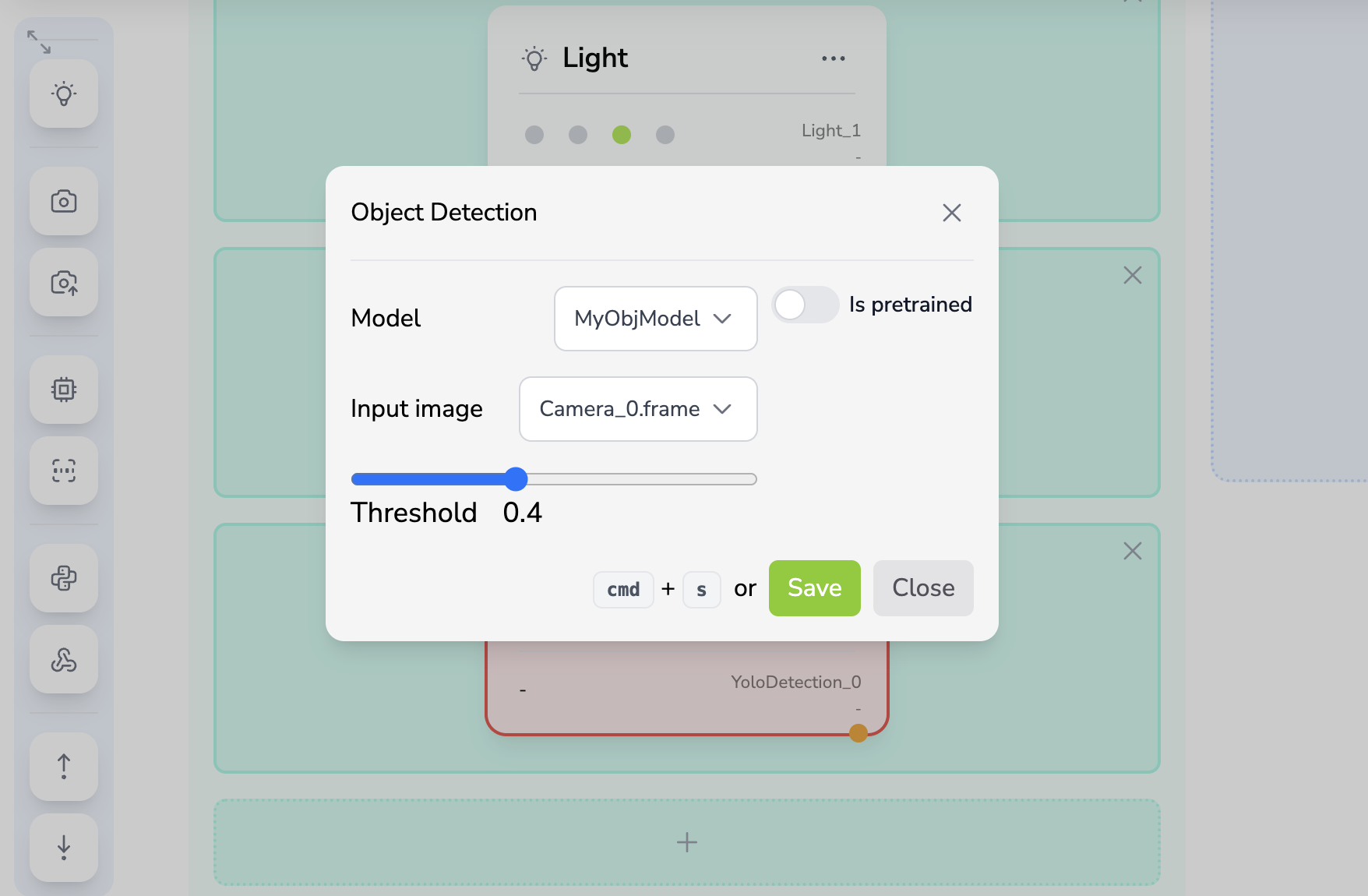
Configuration
| Field | Type | Description |
|---|---|---|
| model_id | string |
The ID of the YOLO model (from the Models page) |
| image_name | string |
The data registry key of the input image (e.g., Camera_0.frame) |
| Threshold | float |
Minimum confidence for displayed detections. Default: 0.4 |
| is_pretrained | boolean |
If true, always runs inference. If false, skips inference in acquisition mode |
Behavior
In Inference mode (or when is_pretrained = true):
- Reads the input image from the data registry.
- Runs the model with the configured threshold.
- Returns a list of detected objects.
In Acquisition mode (when is_pretrained = false):
- Reads the input image.
- Skips inference — the image is saved to the dataset for training.
Inputs & Outputs
| Direction | Key | Type | Description |
|---|---|---|---|
| Input | <image_name> (e.g., Camera_0.frame) |
image |
The image to analyze |
| Output | <module_id>.detected |
list |
List of detected objects with bounding boxes and scores |
| Additional data stored in the registry: |
| Key | Description |
|---|---|
<module_id>.input |
Reference to the input image key |
<module_id>.model_id |
The model used for inference |
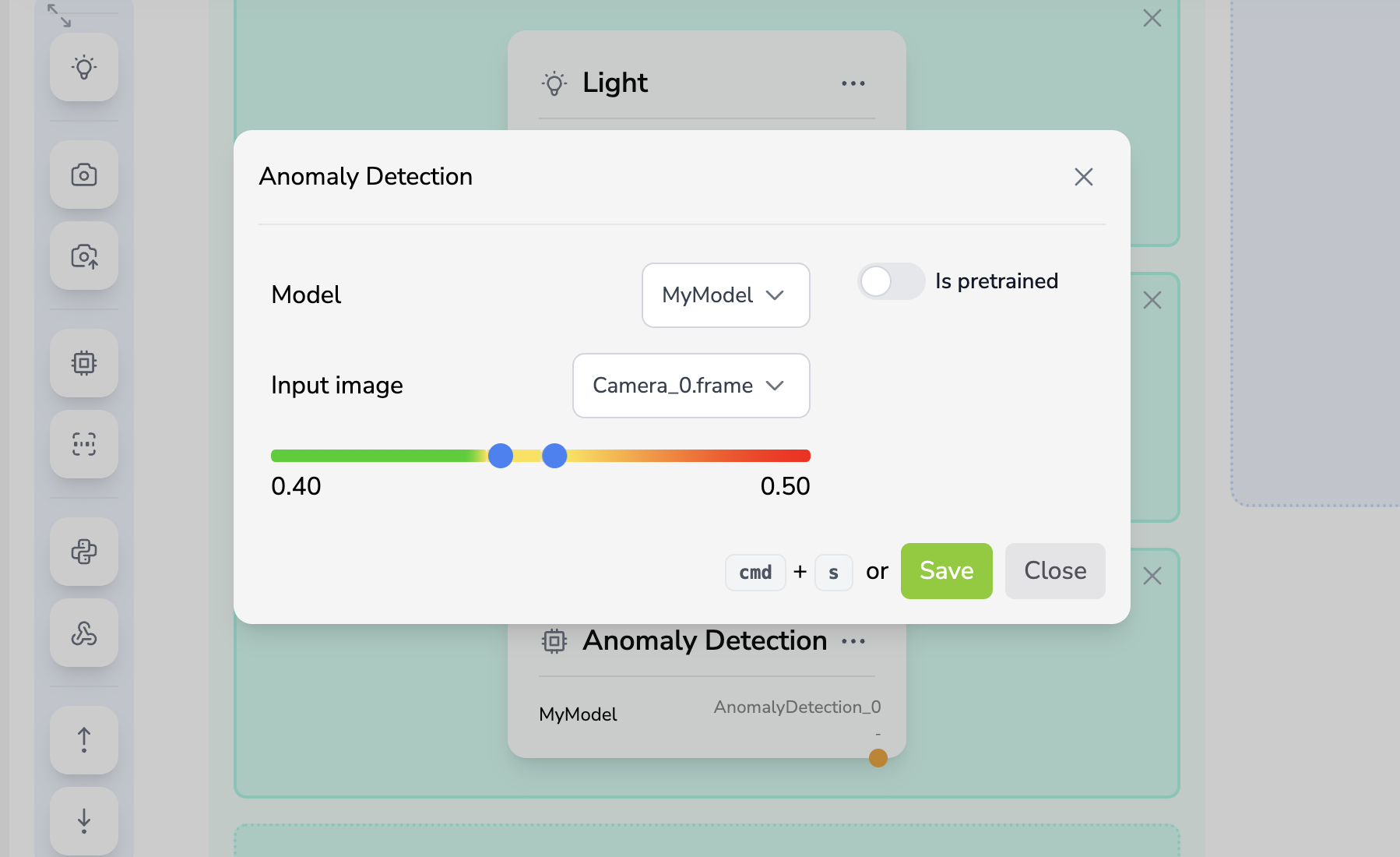
Object Detection does not automatically set the pipeline compliance. Add a Plugin when detections must be converted into a custom pass/fail rule.
This module requires an image produced by a camera module in a previous block. The image_name field must reference a valid output key from an earlier block.
When Is pretrained is disabled in Acquisition mode, the image is stored for training and the detected list is empty.