Logs
View real-time system logs for monitoring and troubleshooting.
The Log tab provides a real-time view of system error logs.
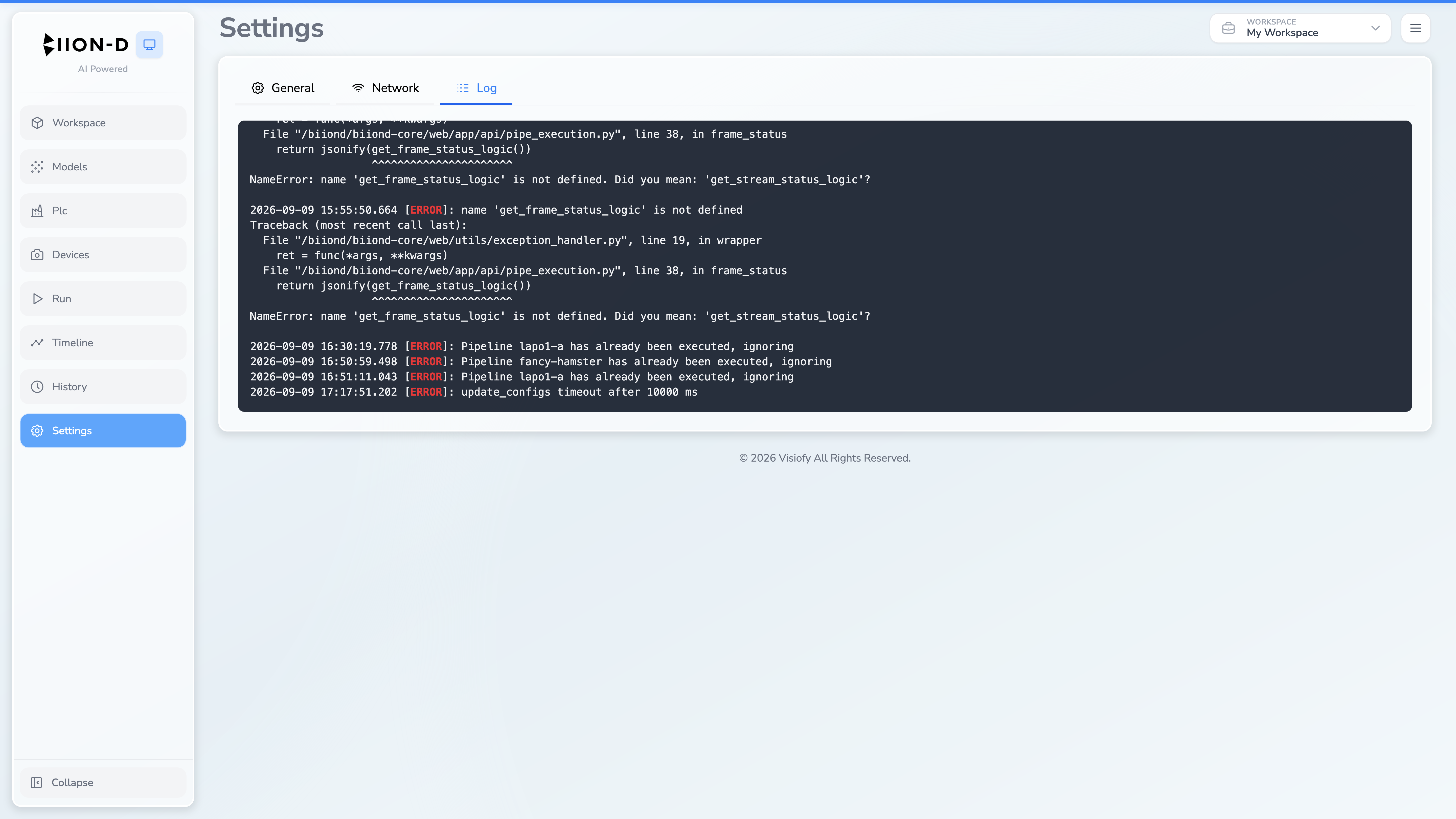
Viewing Logs
When you switch to the Log tab, the system automatically:
- Loads the last 400 lines of the user log
- Opens a live server event stream for new log entries
The log viewer displays entries in a scrollable, monospace text area.
- If you have scrolled up to review older entries, auto-scroll is paused so you can read without interruption.
Log Capacity
The viewer keeps a maximum of 400 lines in view. As new lines arrive and the limit is exceeded, the oldest lines are removed from the top.