Devices
Manage cameras, lights and PLC connections from a single page.
The Devices page is your central hub for managing all connected hardware: cameras, lights and PLC controllers. The page is organized into three tabs.
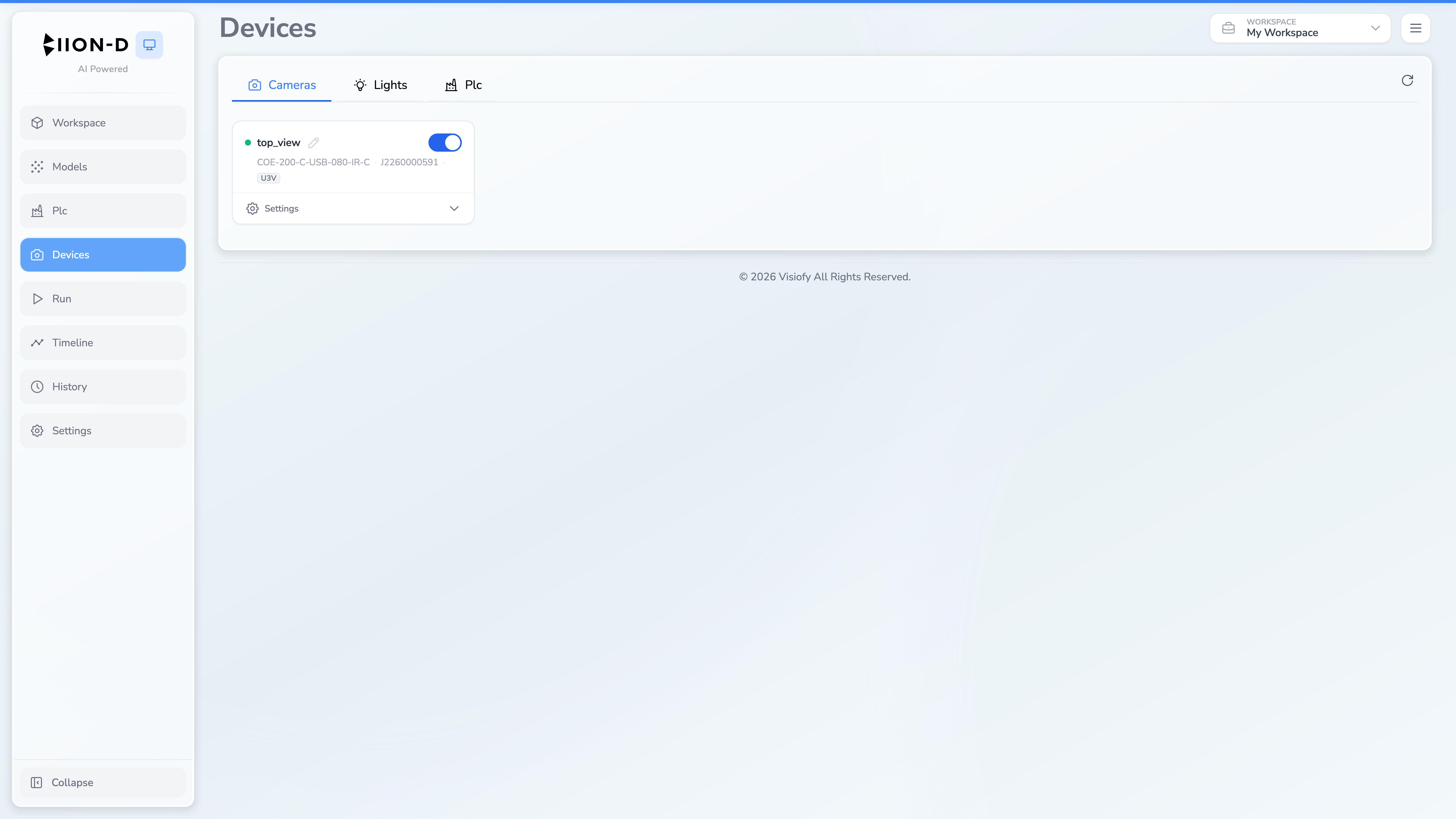
Tabs
Switch between device types using the tab bar at the top:
| Tab | Icon | Description |
|---|---|---|
| Cameras | 📷 | View and manage connected cameras |
| Lights | 💡 | Control and configure lights |
| PLC | 🏭 | Manage PLC connections |
The page remembers your last selected tab across sessions.
The reload button refreshes the whole page and queries the connected hardware again.
For detailed information on each tab, see: