PLC Tasks
Configure PLC-driven mode, execution settings and PLC task variable mappings.
The PLC page (from the sidebar) configures how the BIION-D system interacts with PLC controllers for automated, PLC-driven operation.
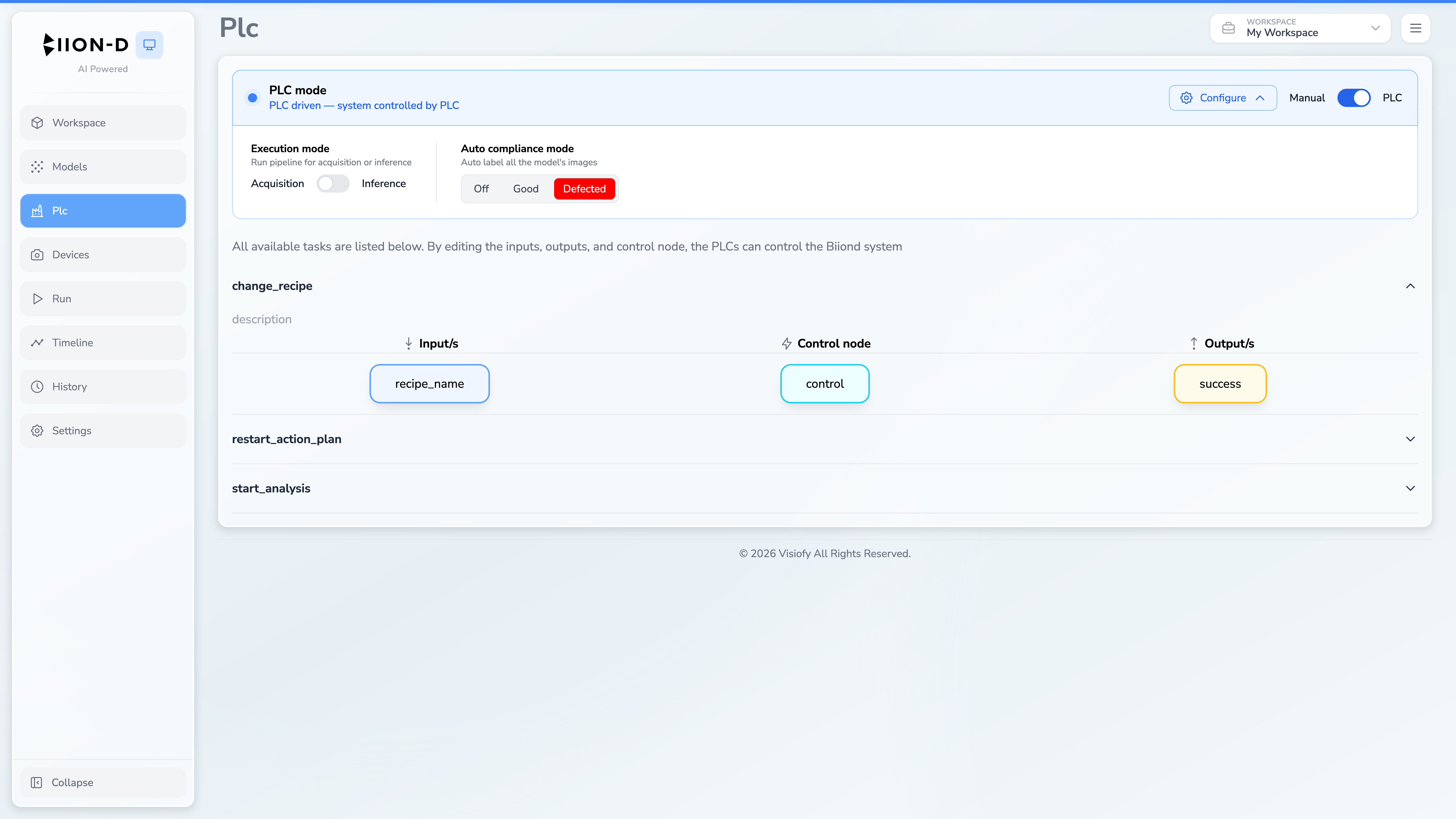
PLC Mode
At the top of the page, a toggle controls whether the system operates in Manual or PLC driven mode:
| Mode | Description |
|---|---|
| Manual | Pipelines are triggered from Run. Task mappings remain visible for configuration. |
| PLC driven | The system accepts commands from the PLC. Additional configuration options become visible. |
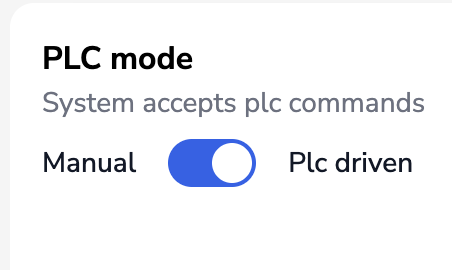
PLC-Driven Options
When PLC driven mode is enabled, two additional settings appear:
Execution Mode
A toggle to switch between:
- Acquisition — captures images for training data
- Inference — runs the full AI inspection pipeline
Auto Compliance Mode
Only visible when the execution mode is set to Acquisition. Controls automatic labeling of captured images:
| Option | Description |
|---|---|
| Off | No automatic labeling |
| Good | All images are labeled as compliant |
| Defected | All images are labeled as defected |
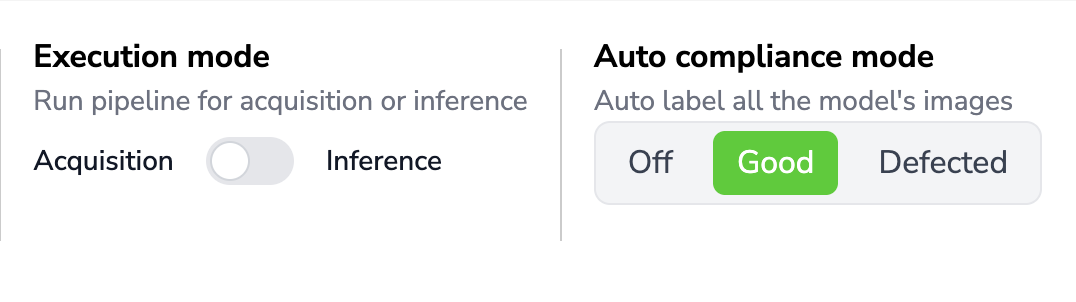
Task Configuration
Below the mode settings, all available PLC tasks are listed as expandable accordion sections. Each task represents a specific interaction between the PLC and the BIION-D system.
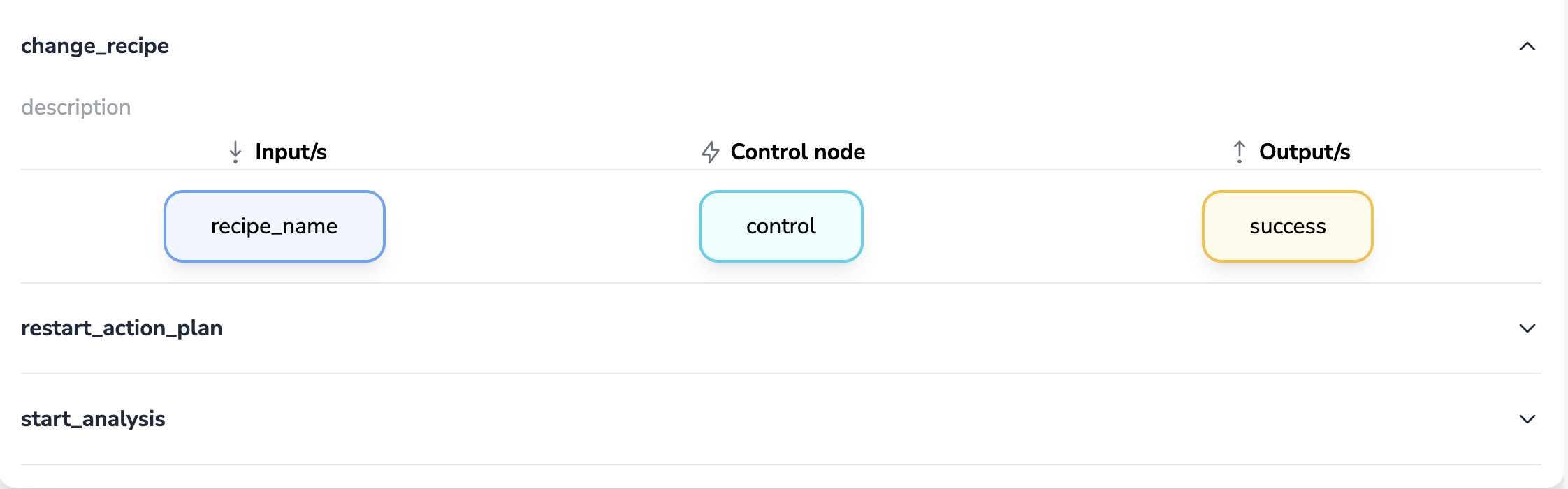
Task Structure
Each task is divided into three columns:
Inputs
Variables that the PLC sends to BIION-D. Displayed as blue cards.
Control Node
The trigger signal that coordinates execution. Displayed as a cyan card.
Outputs
Variables that BIION-D sends back to the PLC. Displayed as amber cards.
Editing Variables
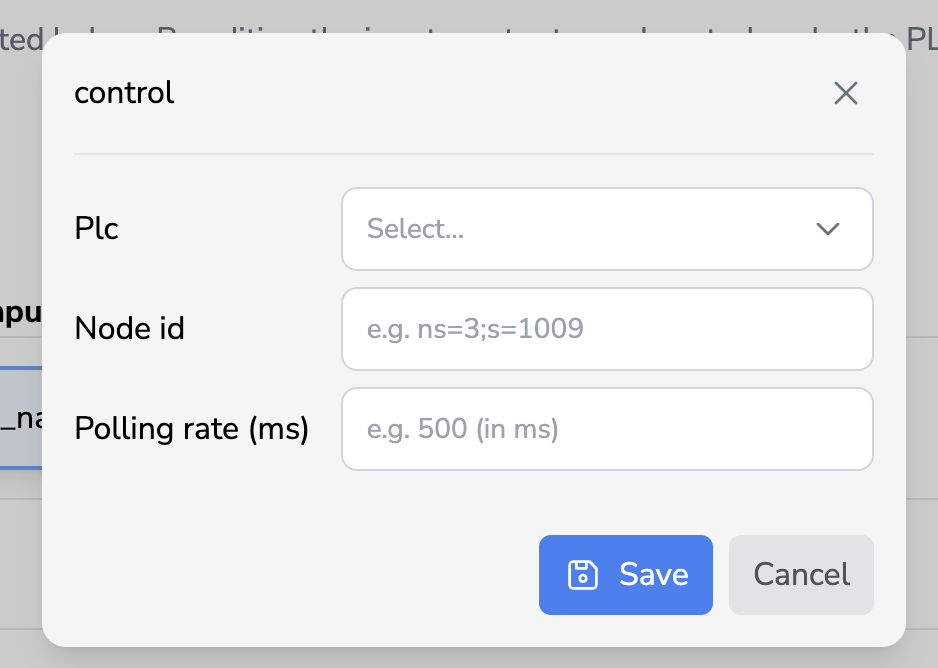
Click on any variable card (input, output or control) to open the PLC Variable Modal, where you can:
- Select a PLC connection
- Enter a Node ID or use Browse to explore the OPC UA tree
- Review the expected data type
- Set the polling rate for control nodes
- For input variables, choose whether to enable Clear after read. When enabled, BIION-D clears the PLC input after reading its value; when disabled, the value remains in the PLC.
Clear after read is disabled for inputs in newly created task configurations. Existing task configurations retain the previous behavior: their inputs are set to clear after reading unless you turn the option off.
Changes to PLC mode and execution settings are saved to the server automatically when you toggle them. No explicit save action is needed.
Make sure all variables and the control node are correctly mapped to valid PLC addresses before enabling PLC driven mode in production.