General
View system version, disk usage and perform system updates.
The General tab displays system information and provides controls for system maintenance.
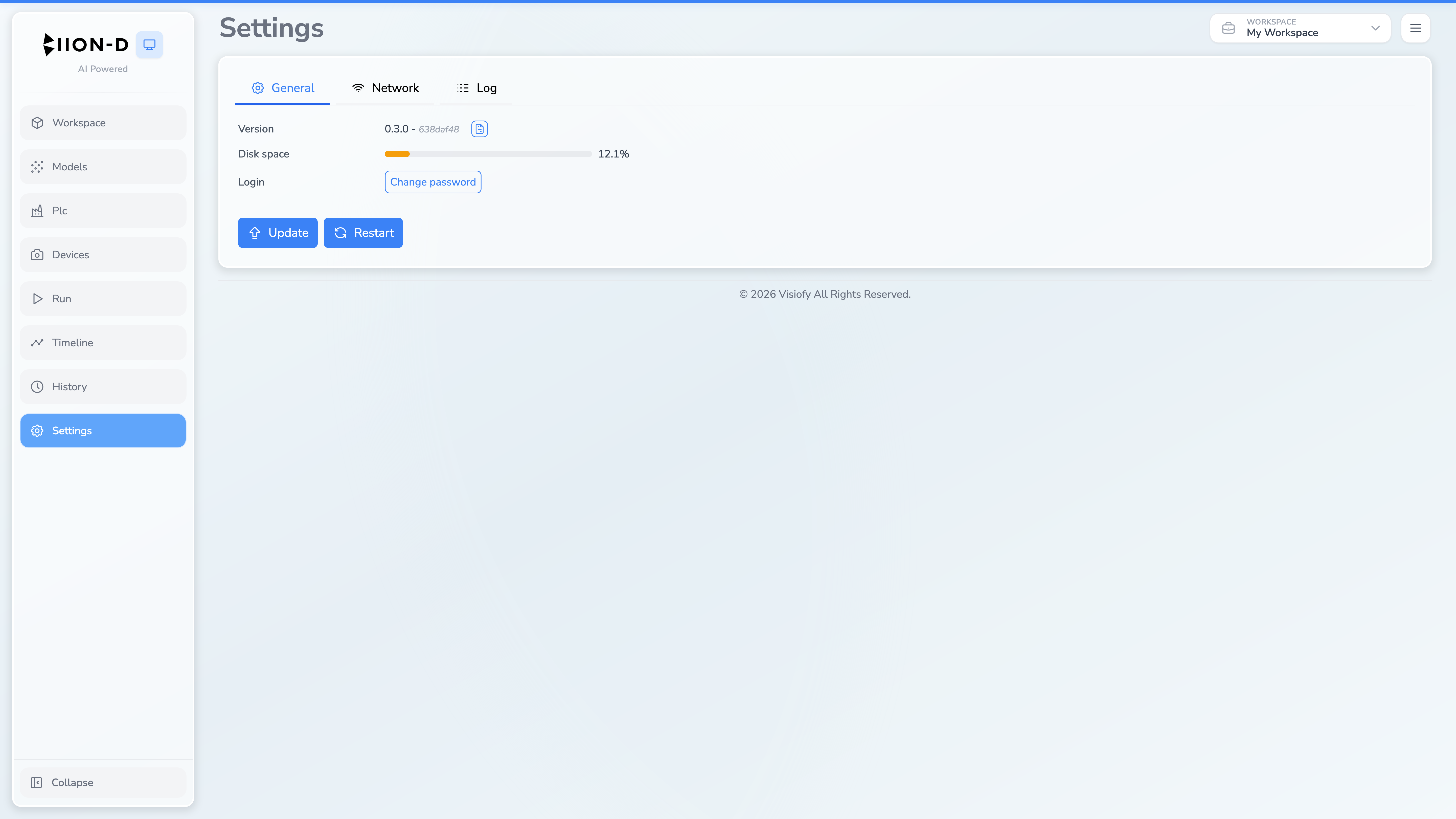
System Information
| Field | Description |
|---|---|
| Version | The currently installed BIION-D version, followed by the short Git commit hash |
| Disk space | A progress bar showing how much disk space is used, with a percentage label |
System Controls
The maintenance controls are:
| Button | Description |
|---|---|
| Update | Opens the updater service. It is disabled when the online check is unavailable. |
| Restart | Opens the restart service for BIION-D. |
| Changelog | The small icon beside Version opens release notes. |
Changelog
Click the Changelog button to open a modal showing the full version history with release notes for each version.
Login
Select Change password to enter the current admin password and a new password twice. Reset password is visible only to the superadmin role and requires confirmation.