Accelerators
Check detected hardware accelerators and driver status.
Open Devices → Accelerators to see automatically detected hardware accelerators grouped by vendor. The tab shows each model and, when available, its driver status or version.
Hardware accelerators for Edge devices are supplied by Visiofy. Custom accelerators cannot be added.
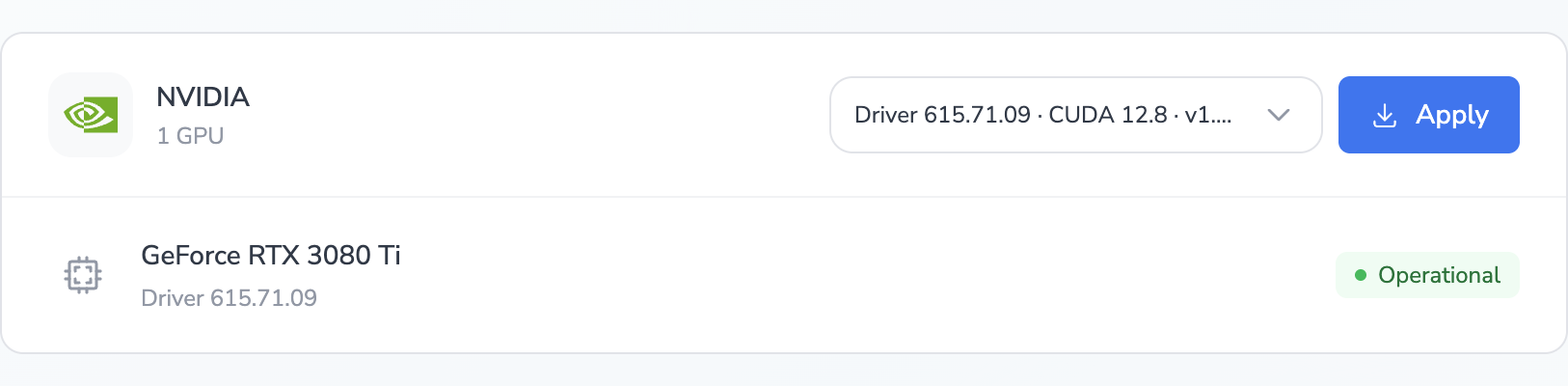
Detecting a device does not mean its driver can be installed from the interface. Installation controls are available only when the device and configuration are supported and the account has the required permissions.
- Before changing a driver, stop pipeline execution and plan a time when you can restart the device.
- If a compatible driver is available, select it and use Install. Use Apply when the interface allows you to update an installation managed by BIION-D.
- Follow the progress. If a restart is required, restart the device and reopen Accelerators to check its status before resuming inference.
If the operation fails, check the message shown in the tab before retrying.